Tesla Key Problems: Start With Your Manual
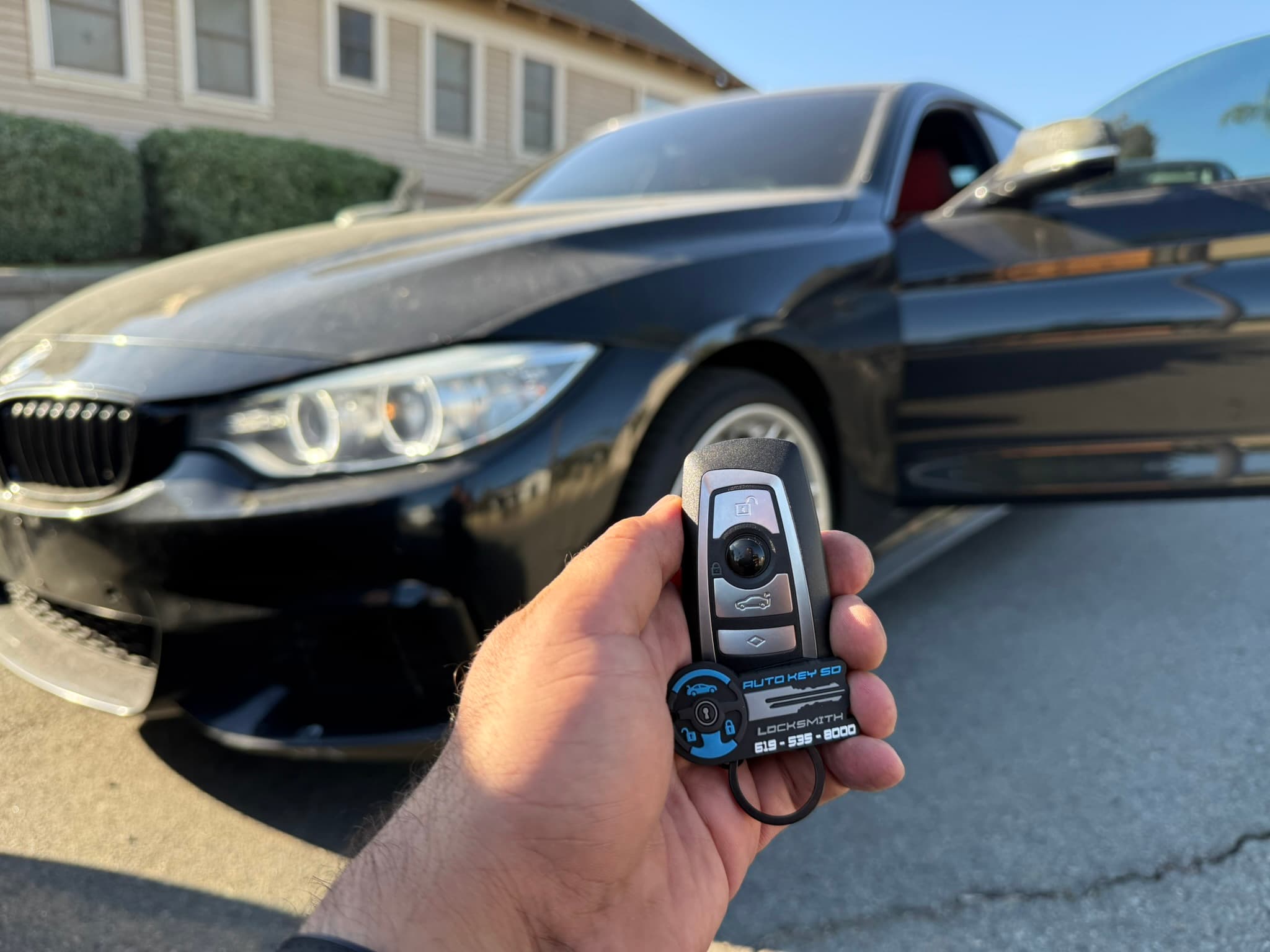
Identify the Tesla model and remaining access methods, consult its current manual, and confirm provider compatibility before arranging key assistance.
Use the Instructions for Your Exact Vehicle
Tesla key options and pairing instructions vary by vehicle. Identify the model and year, and explain whether you still have access through a phone, card or fob.
Tesla's Model 3 manual describes a key card as backup when a phone key is unavailable. Use the instructions for your own vehicle rather than assuming the Model 3 procedure applies to every Tesla.
Replacement and Lost-Key Access Are Different Situations
Tesla's Model Y guidance describes replacing key cards and managing authorized keys. Follow the current manufacturer instructions, including how to deal with a missing key.
Do not assume that adding a key while another access method works is the same job as restoring access when no usable keys remain. Ask Tesla or a suitably authorized provider about the appropriate process.
Confirm Service Before Booking
Auto Key SD's coverage for your specific Tesla and key problem must be confirmed by phone. This article does not establish that we can program every Tesla or perform manufacturer-restricted procedures.
Ask about the exact part, work required, access to the vehicle and full quote. No fixed dealership-saving percentage or completion-time promise applies.
Related Topics:
Need Professional Automotive Locksmith Services?
Our working hours are 9:00 AM–6:00 PM, Monday–Saturday. Call with your vehicle details and location for a quote and current availability.
More Articles You Might Like
Lost All Your Car Keys in San Diego: Do You Need a Tow?
Lost every car key in San Diego? Learn when mobile replacement is possible, what to have ready, what the quote includes and when towing may be necessary.
Stolen Car Keys: Will a Replacement Disable the Old Key?
A replacement key may not disable a stolen one. Understand electronic key removal, mechanical rekeying and what to ask before arranging vehicle service.